Choose the screen position from your everyday seat, then check the TV’s support footprint, console height and equipment space before buying.
3 min read
Buy a console only after trialing the screen position and checking the exact TV’s feet or base. Match the usable top, height and documented load rating to that TV, then check equipment space and ventilation.
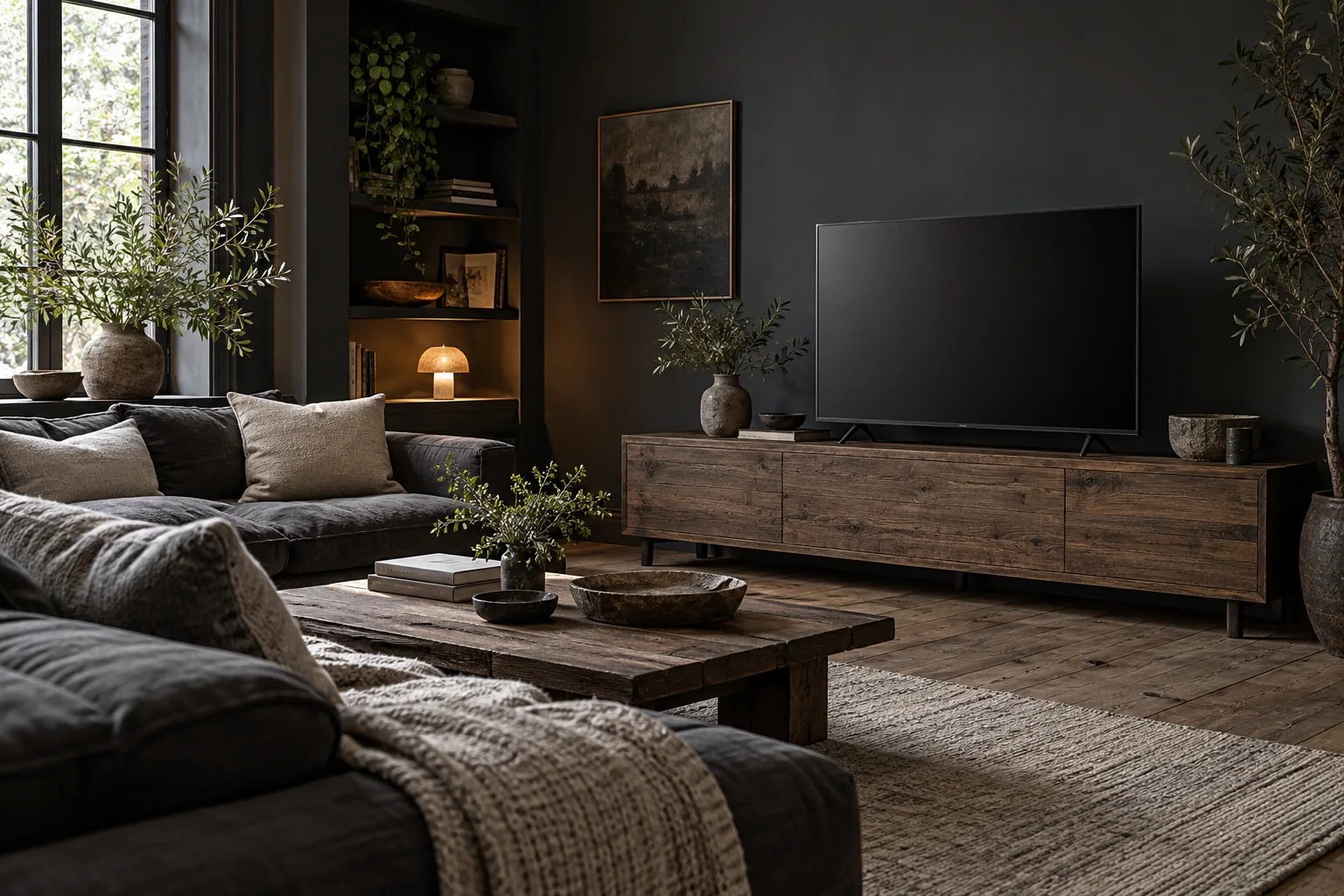 Concept image
Jump to an idea
Choose the screen position from your usual seat
Sit where you watch, in your normal posture, and mark a screen position that feels comfortable. Tape a rectangle using the TV’s actual screen width and height; the advertised diagonal is neither measurement. Try the outline at different heights before choosing a console. Record your preferred screen-bottom height from the floor.
The outline helps you judge placement, but it cannot show screen reflections. Where possible, trial a screen with familiar content at the intended position and your usual viewing time. Check whether window reflections interfere with viewing. Treat screen height and viewing comfort as personal fit decisions, separate from support and installation requirements.
Measure from your eyes to the screen
Measure from your seated eyes to the planned screen plane, rather than using room depth. In a hypothetical room, the walls are 120 inches apart, your eyes sit 24 inches from the seating wall, and the screen plane sits 16 inches from the opposite wall. The viewing distance is 120 − 24 − 16 = 80 inches.
The supplied manufacturer guidance uses screen height: 1.5 times that height for 4K and three times for HD. A hypothetical 24-inch-high screen gives reference distances of 36 and 72 inches. These are starting points, not safety requirements or universal comfort targets. An actual distance of 80 inches does not, by itself, mean you should move the sofa. Use the outline and content trial to decide whether to change screen size or seating.
Check the feet separately from the screen
Get the exact TV’s complete feet or base footprint and compare it with the console’s usable top. Screen width does not tell you stand width or depth. Hypothetically, a 42-inch-wide by 12-inch-deep footprint exceeds a 40-inch-wide by 16-inch-deep top by 2 inches in width, despite leaving 4 inches in depth. Skip that pairing: the complete support footprint does not fit.
A shallow console can occupy less floor depth, but its top may fail the support check and its compartments may fail the equipment check. Tape the console footprint on the floor to judge the space it leaves for your route through the room. Choose greater depth if the feet or devices require it; skip the purchase if that footprint blocks the route you need.
Match height, load and equipment space
Use the stand geometry to match console height to your trialed screen-bottom position; total TV height with its stand does not locate the visible screen’s bottom. Compare the documented top load rating with the TV’s weight including its stand and everything else placed on top. Check usable compartments against device dimensions, cable space and each device manufacturer’s ventilation instructions.
Follow the TV, console and anti-tip instructions. Federal consumer safety guidance calls for securing both the television and furniture with appropriate anchoring equipment. Check your lease for wall attachments. Wall mounting removes the feet-support requirement from the console, but requires exact TV, mount and wall compatibility; follow manufacturer instructions and use a licensed professional where needed. Before shopping, record viewing distance, screen position, support footprint, usable top, load rating, equipment needs and anchoring requirements.
Sources and measurement notes
- Sony recommended viewing distance
- Sony television dimension definitions
- CPSC TV and furniture anchoring guidance
Worked dimensions are hypothetical planning examples. Product instructions apply to the exact item.